
Nội dung bài viết
Windows Obsidian 10 EnterpriseS 2016 LTSB Second Edition (x86)
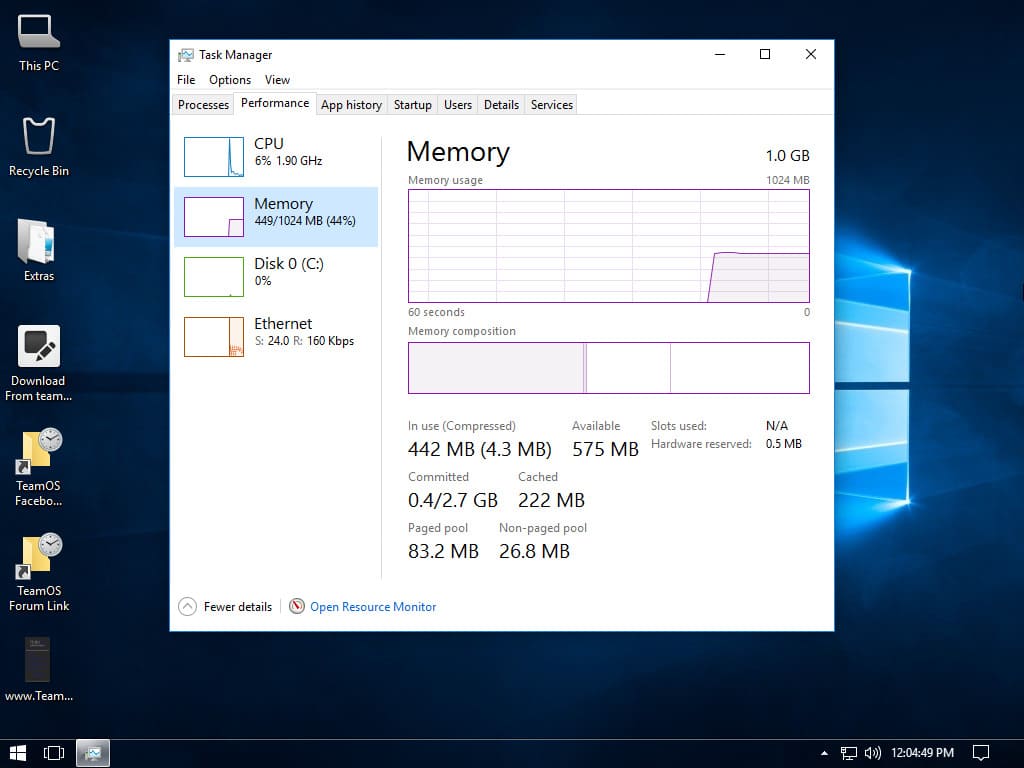
Windows Obsidian 10 EnterpriseS 2016 LTSB Second Edition (x86) là một phiên bản Windows 10 được tinh chỉnh kỹ lưỡng, tập trung vào hiệu suất, sự ổn định và quyền riêng tư của người dùng. Với việc loại bỏ các thành phần không cần thiết và áp dụng các tinh chỉnh hệ thống, phiên bản này mang đến trải nghiệm Windows nhanh chóng, mượt mà và an toàn hơn.
Thông tin phiên bản:
- Windows 10 EnterpriseS LTSB 1607 Build 14393.3750
- Kích thước: 2.37 GB
- Kiến trúc: 32-bit (x86)
- Ngôn ngữ: Tiếng Anh (Mỹ)
- Định dạng: ISO (tương thích với cả BIOS Legacy và UEFI)
- Tính năng: Đầy đủ, hỗ trợ cập nhật, ngôn ngữ bổ sung và các tính năng tùy chọn.
- Kích hoạt: Đã được kích hoạt vĩnh viễn, không cần thao tác thêm.
- Giao diện:
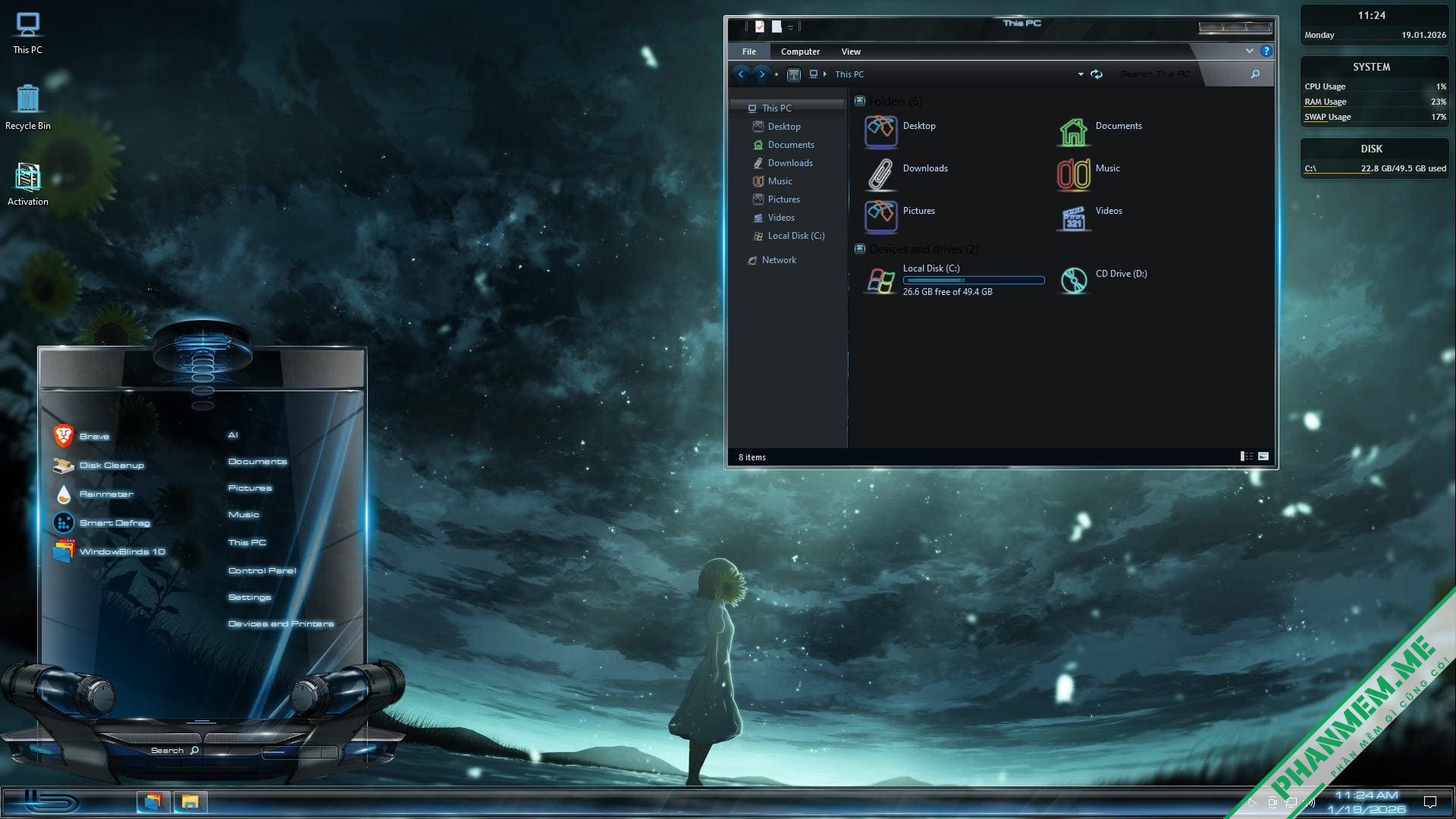
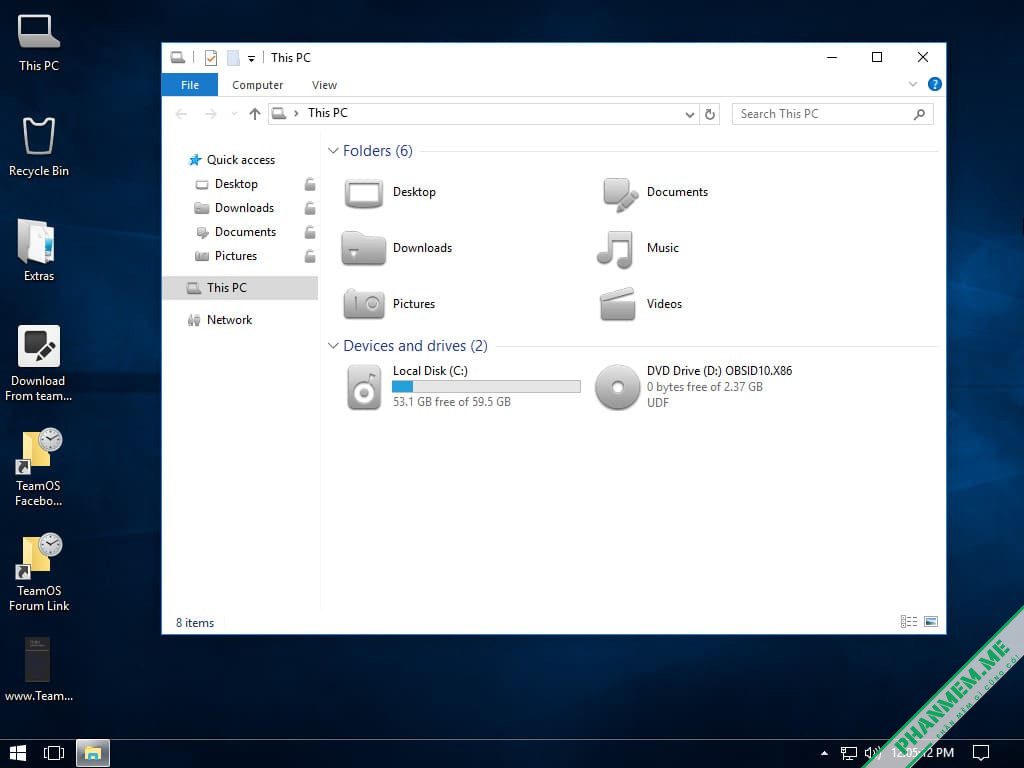
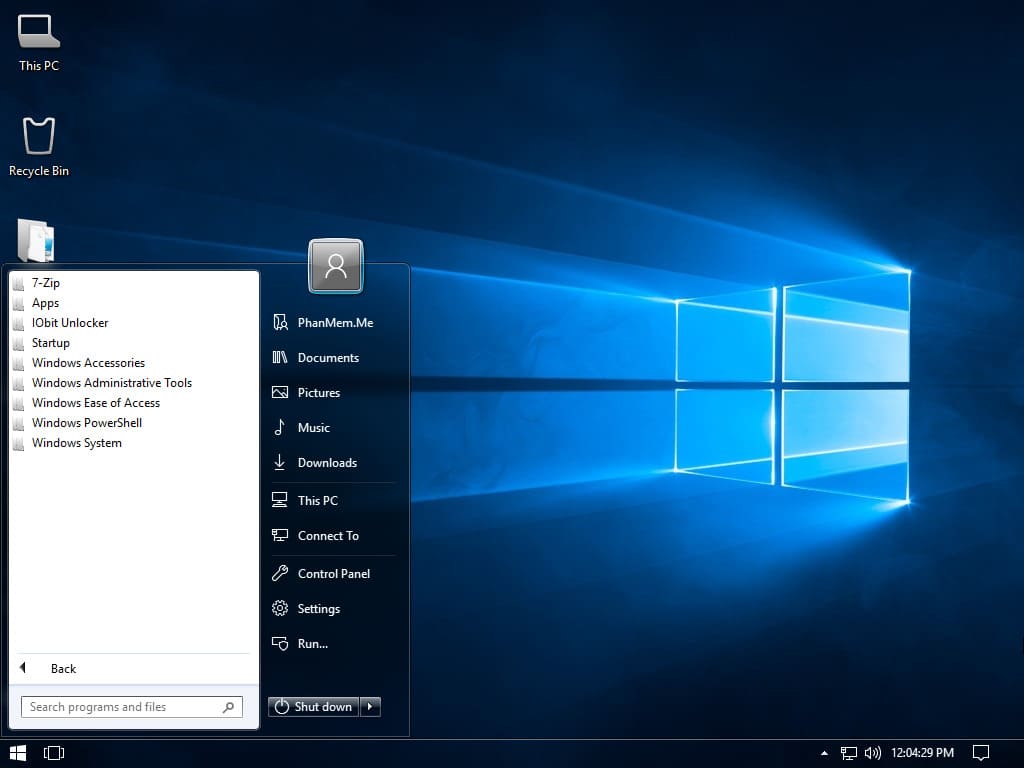
- Chủ đề: Custom Windows Theme (cảm ơn gsw953)
- Biểu tượng: Token Light
- Con trỏ chuột: RainbowAero
Các bản cập nhật đã được tích hợp:
- Microsoft .NET Framework 4.8 cho Windows 10 Phiên bản 1607 (KB4486129)
- Microsoft .NET Cumulative Update cho Windows 10 Phiên bản 1607 (KB4552926)
- Adobe Flash Player Update cho Windows 10 Phiên bản 1607 (KB4561600)
- Cumulative Update cho Windows 10 Phiên bản 1607 (KB4561616)
- Servicing Stack Update cho Windows 10 Phiên bản 1607 (KB4562561) – Lưu ý: Có vẻ như có một lỗi đánh máy trong số KB này, có thể là KB4562561
- 2020-01 Update cho Windows 10 Phiên bản 1607 dành cho Hệ thống dựa trên x64 (KB4494175)
Các ứng dụng và tính năng đã được tích hợp/cài đặt sẵn:
- 7-zip phiên bản 20.00 Alpha với giao diện OneBit (64-bit)
- Gói con trỏ RainbowAero
- Gói biểu tượng Token Light
- Giao diện Windows tùy chỉnh – cảm ơn gsw953
- StartIsBack++ phiên bản 2.9.1
- TranslucentTB phiên bản 8.0.0.0
- AeroGlass for Win8.1+ phiên bản 1.5.3.872
- IObit Unlocker phiên bản 1.1.2.1
- Các gói ứng dụng Windows Store
- Microsoft .NET Framework phiên bản 4.8
- Microsoft Visual Basic/C++ Runtime (x86)
- Microsoft Visual C++ 2005 Redistributable (32-bit)
- Microsoft Visual C++ 2008 Redistributable phiên bản 9.0.30729.7523 (32-bit)
- Microsoft Visual C++ 2010 Redistributable phiên bản 10.0.40219 (32-bit)
- Microsoft Visual C++ 2012 Additional Runtime phiên bản 11.0.61135 (32-bit)
- Microsoft Visual C++ 2012 Minimum Runtime phiên bản 11.0.61135 (32-bit)
- Microsoft Visual C++ 2013 Additional Runtime phiên bản 12.0.40664 (32-bit)
- Microsoft Visual C++ 2013 Minimum Runtime phiên bản 12.0.40664 (32-bit)
- Microsoft Visual C++ 2019 Additional Runtime phiên bản 14.27.29009 (32-bit)
- Microsoft Visual C++ 2019 Minimum Runtime phiên bản 14.27.29009 (32-bit)
- Microsoft Visual Studio 2010 Tools for Office Runtime (32-bit)
- Microsoft DirectX phiên bản 9.0c
- Windows 32Calc (Máy tính Windows 7)
- Windows Photo Viewer enabled (Trình xem ảnh Windows được bật)
- 20 Wallpapers (20 hình nền)
- Extras folder (Thư mục Extras)
Các ứng dụng hệ thống đã bị loại bỏ:
- Setting Sync
- Windows Reader (PDF)
- Windows To Go
- Microsoft.Windows.WinSAT
- Microsoft.Windows.CEIP_SQM
- Microsoft.Windows.RetailDemoContent
- Microsoft.Windows.WiFiNetworkManager
- Microsoft.Windows.
- Microsoft.Windows.MobileBroadband
- Microsoft.Windows.MBioEnrollment
- Microsoft.Windows.WindowsInsiderHub
- Microsoft.Windows.WindowsMixedReality
- Microsoft.Windows.AssignedAccess
- Microsoft.Windows.AssignedAccessLockApp
- Microsoft.Windows.Holographic
- Microsoft.Windows.SecureAssesment
- Microsoft.Windows.WindowsDefender
- Microsoft.Windows.InkPlatform
- Microsoft.Windows.BusinessScanning
- Map control
- Microsoft.Windows.Geolocation
- Microsoft.Windows.Holograficobile PC
- Mobile Sensors
- Microsoft.Windows.FaceAnalysis
- Microsoft.Windows.FaceRecognition
- Biometry and Telemetry completely
- Microsoft.Windows.Wallet
- Microsoft.Windows.Skype ORTC
- Cortana completely
- Microsoft.Windows.SenseClient
- Microsoft.Windows.Defender completely
- Security Center completely
- Malicious Removal Tool completely (MRT10)
- Microsoft Maps completely
- Windows Geo Location completely
- WordPad and Zip completely
- Services, Drivers, and Integration Content for removed System apps disabled
Các tính năng tùy chọn:
- Microsoft .NET Framework phiên bản 3.5 được bật;
- Legacy Components được bật;
- Print and Document Services bị tắt;
- Direct Play được bật;
- FaxServicesClientPackage bị tắt;
- Microsoft XPS Document Writer;
- SMB 1.0/CIFS File Sharing Support bị tắt;
- Các tính năng tùy chọn của MicrosoftWindowsPowerShellV2Root bị tắt;
- Các tính năng tùy chọn của WorkFolders-Client bị tắt;
- Các tính năng tùy chọn của Printing-XPSServices-Features bị tắt;
- Work Folders Client bị tắt.
Các tinh chỉnh đã được áp dụng:
- Tất cả các Dịch vụ, Trình điều khiển và Tích hợp SmartScreen của Windows Defender bị tắt;
- Windows Defender Application Guard bị tắt;
- Windows-Defender-Default-Definitions bị tắt;
- Các thành phần còn lại của Windows Defender đã bị xóa;
- Bộ lọc Smartscreen bị tắt;
- 48 dịch vụ mặc định của Windows bị tắt;
- Program Compatibility Assistance Service bị tắt;
- Remote Registry Service bị tắt;
- Diagnsostic Service bị tắt;
- Windows Error Reporting Service bị tắt;
- Customer Experience Improvement Program Service bị tắt;
- Homegroup NTFS Link Tracking Service bị tắt;
- Auto Maintenance Task bị tắt;
- GodMode được thêm vào This PC;
- Meltdown protection bị tắt;
- Spectre protection bị tắt;
- Ultimate Performance Power Plan Scheme được thêm vào;
- Tự động Dọn dẹp Tệp tải xuống bằng Storage Sense bị tắt;
- Tự động Nâng cấp Windows bị tắt – CÁC BẢN NÂNG CẤP WINDOWS VẪN HOẠT ĐỘNG HOÀN TOÀN;
- Các bản cập nhật Windows không bao gồm Công cụ Loại bỏ Phần mềm Độc hại – CÁC BẢN NÂNG CẤP WINDOWS VẪN HOẠT ĐỘNG HOÀN TOÀN;
- Tự động Tải xuống và Cài đặt Ứng dụng Bên thứ 3 bị tắt – CÁC BẢN NÂNG CẤP WINDOWS VẪN HOẠT ĐỘNG HOÀN TOÀN;
- Danh sách toàn diện các tinh chỉnh quyền riêng tư liên quan đến việc truy cập và thu thập hoạt động của người dùng;
- Các tinh chỉnh Tăng cường Hiệu suất đã được tích hợp;
- V… v…
Sau khi cài đặt hoàn tất:
- Windows được kích hoạt – nhờ WindowsAddict;
- Registry Tweaks (Tinh chỉnh Registry).
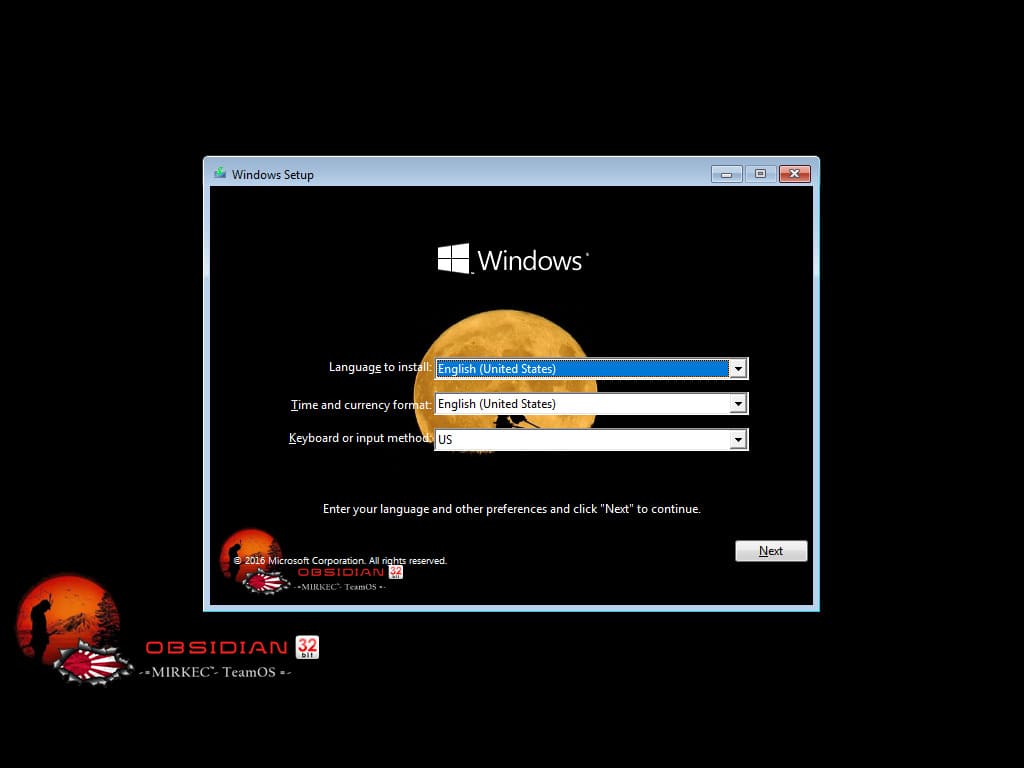
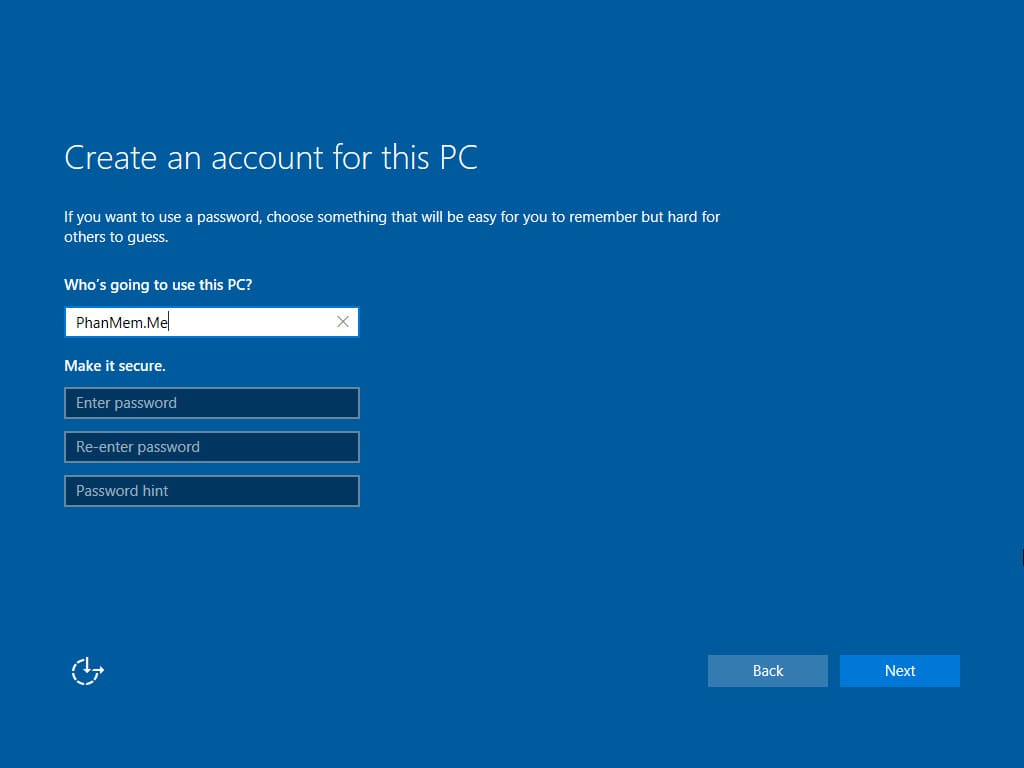
Ảnh chụp màn hình
Download Windows Obsidian 10 EnterpriseS 2016 LTSB Second Edition (x86)
► Bản 64bit: Windows Obsidian 10 EnterpriseS 2016 LTSB Second Edition (x86)
►►► Xem thêm nhiều bản Windows 10 Lite khác.
Hướng dẫn cài đặt:
- Tạo USB Boot chứa file iso, sau đó boot từ usb và cài đặt:
- Tạo USB Multiboot, sau đó vào winpe cài đặt bằng WinNT Setup:
Cách cài Win 11, 10, 8.1, 7 bằng WinNT Setup trong WinPE