
Windows 10 Lite 22H2 + Office 2024 LTSC July 2024 by Morph
Tương tự như bản Windows 10 Lite 22H2 4598 có Office 2021 LTSC June 2024 by Morphs chỉ khác ở cập nhật bản Win 10 22H2 lên build 19045.4717 và Office 2024 LTSC (Preview) được cài đặt sẵn thay vì Office 2021 và không bao gồm các phần mềm Portable.
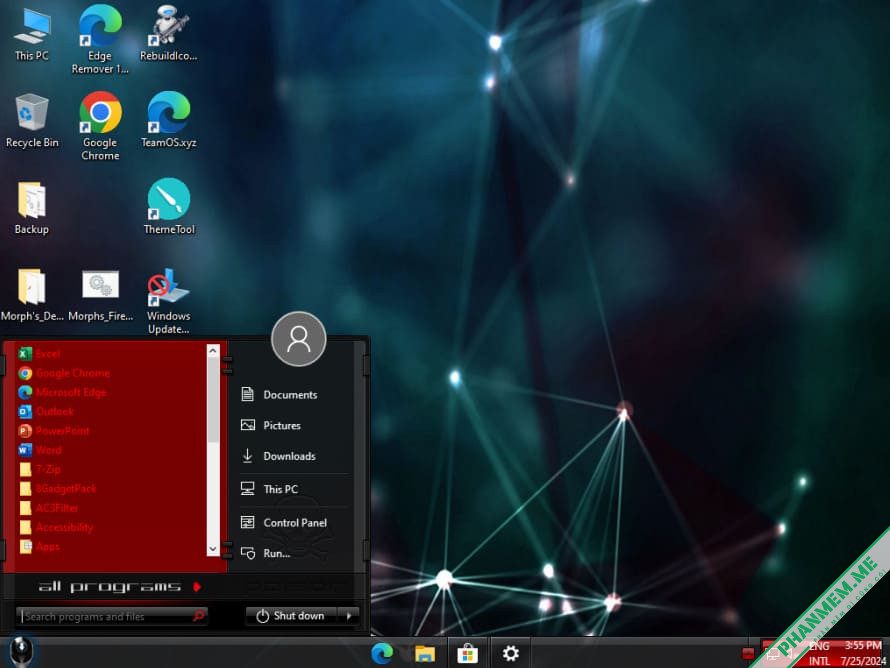
Thông tin cơ bản:
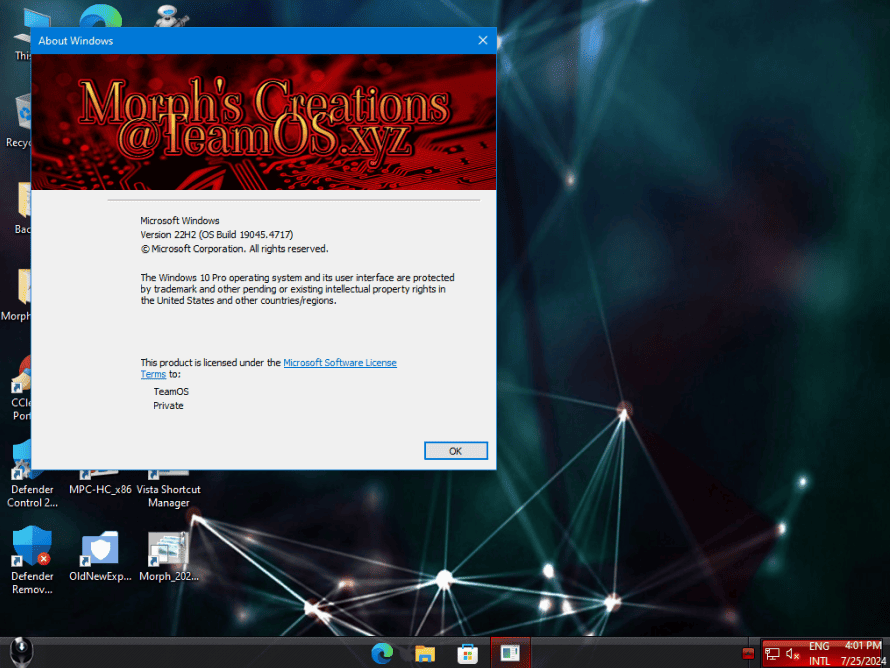
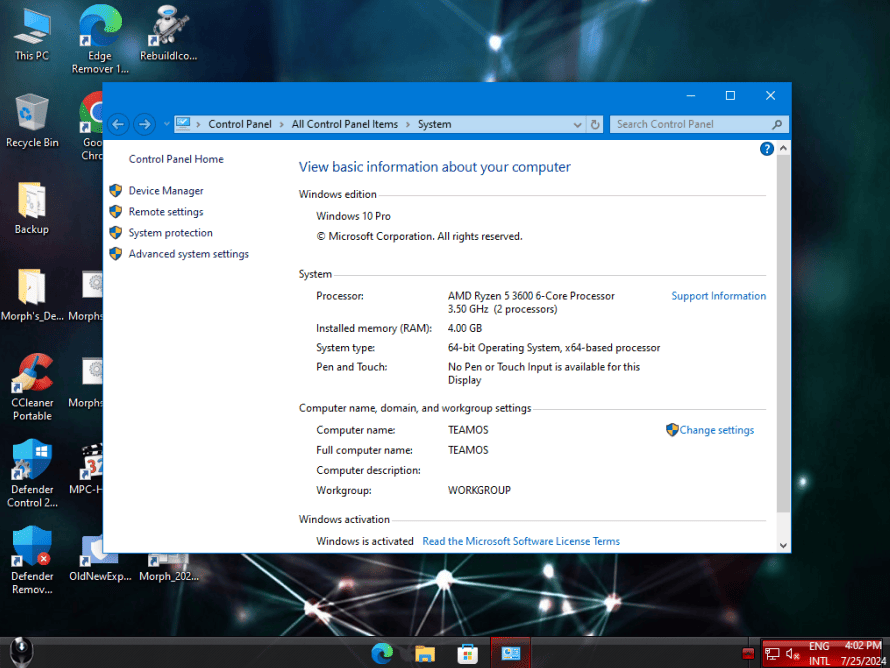
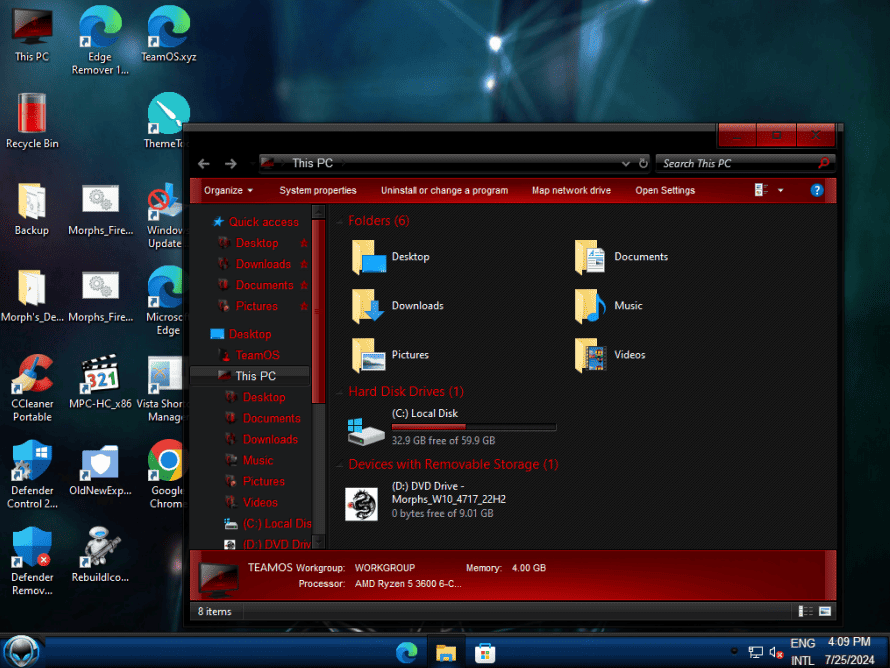
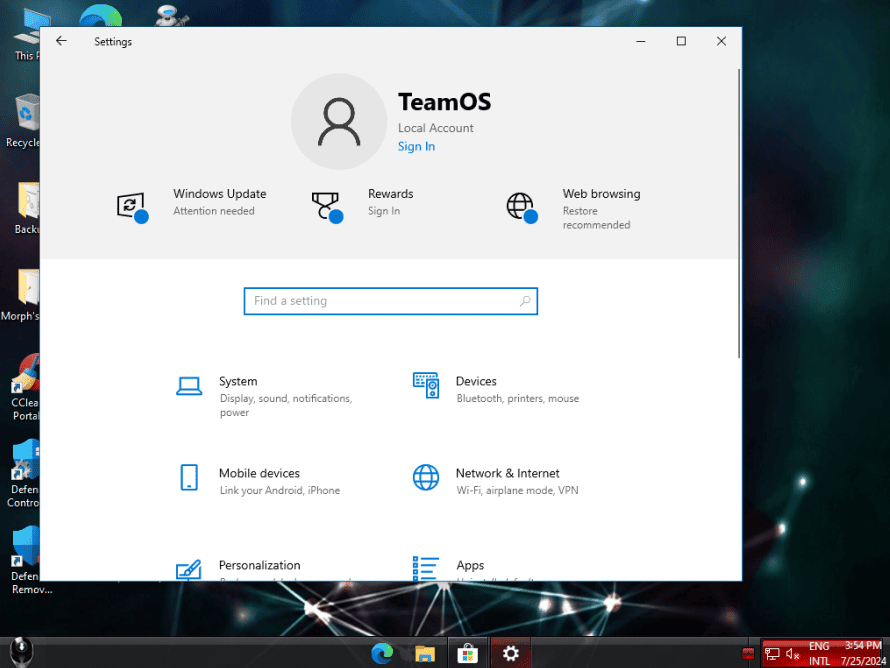
- Windows 10 22H2 build 19045.4717
- Kiến trúc: x64 (64 Bit)
- Ngôn ngữ: Tiếng Anh (Mỹ)
- Tác giả: Morphs Creations
- Nén: Esd
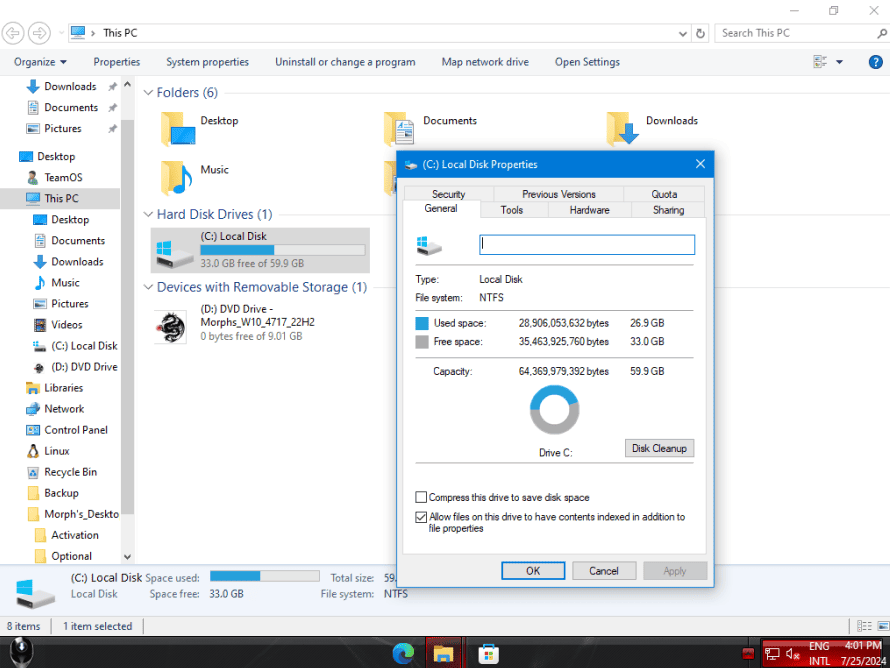
- Dung lượng sau khi cài đặt: 30 GB
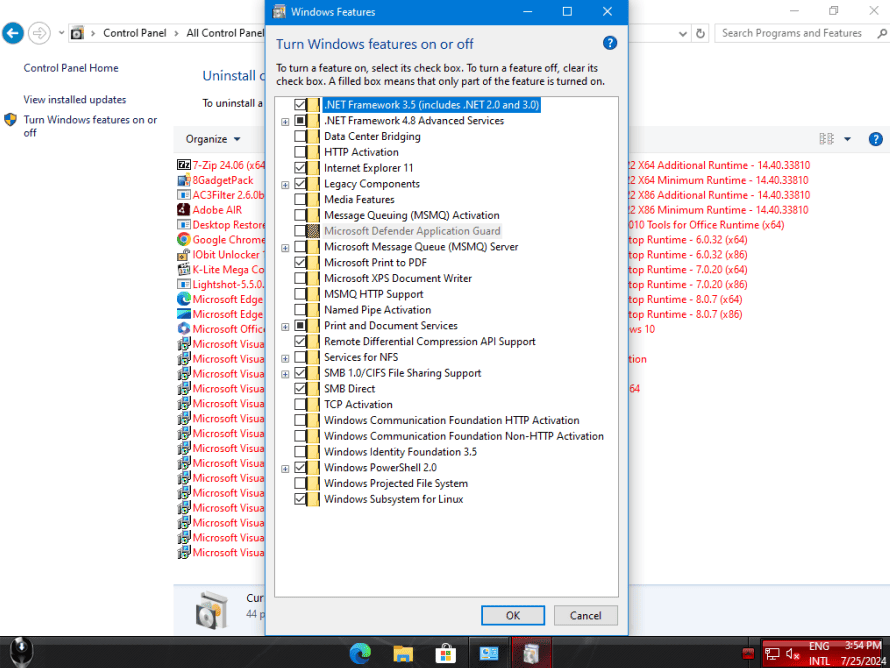
- Đã bật sẵn .Net Framework 3.5 (Bao gồm 3.0 & 2.0)
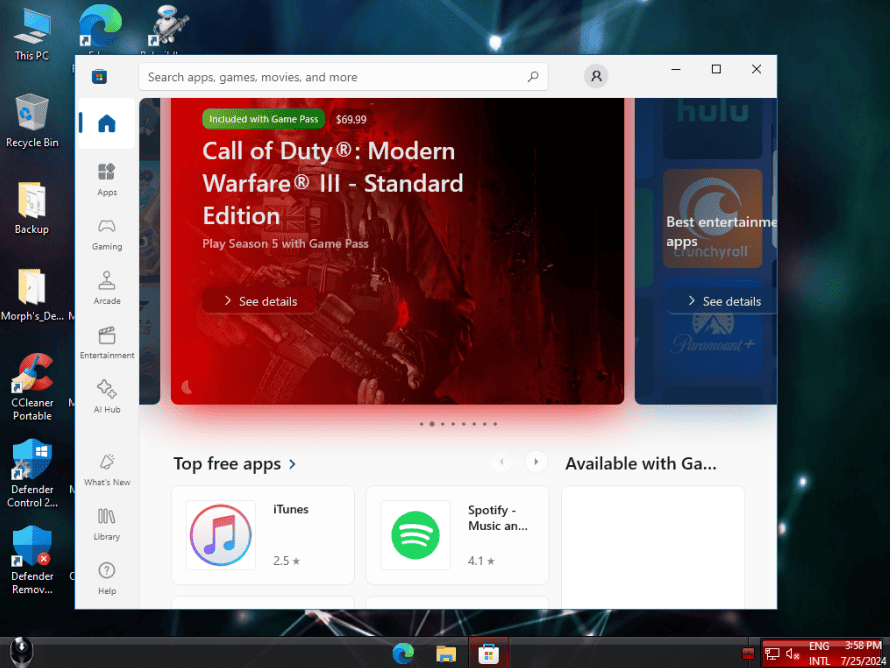
- Microsoft Store hoạt động
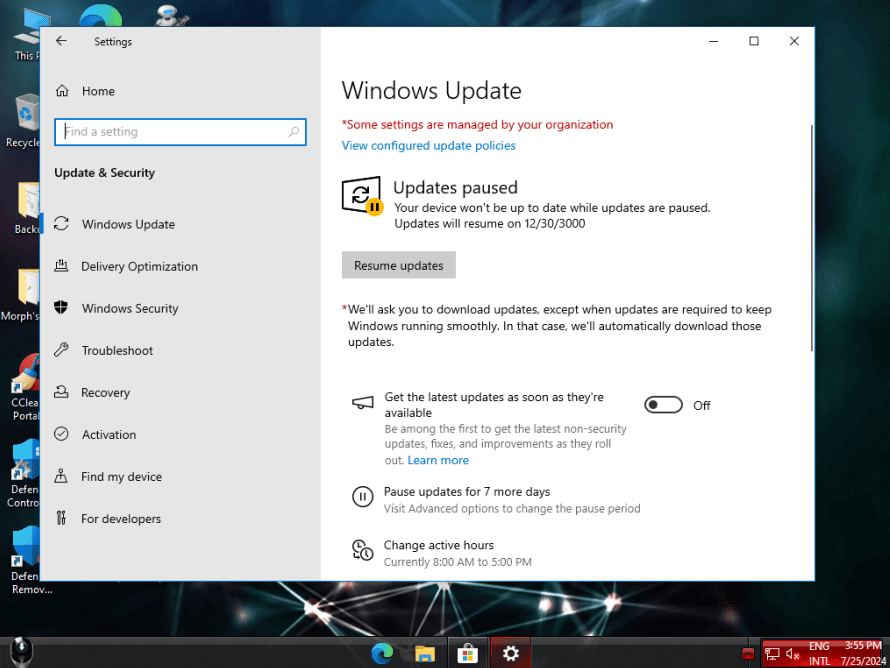
- Windows Update hoạt động
- Không cần tài khoản Microsoft lúc cài đặt, không cần mật khẩu để đăng nhập, chỉ hỗ trợ cài đặt mới.
- Bạn sẽ được nhắc cập nhật Store khi chạy lần đầu.
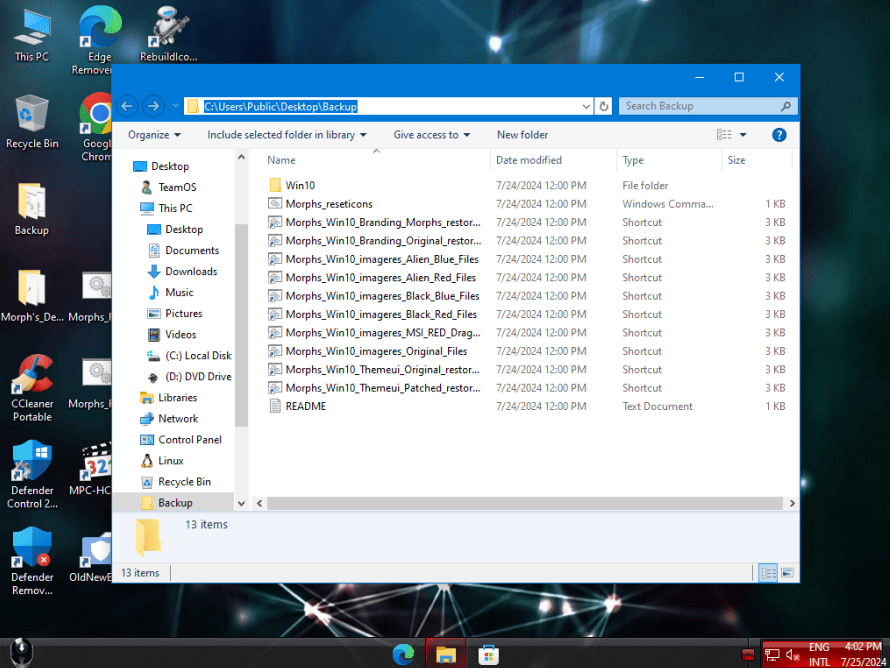
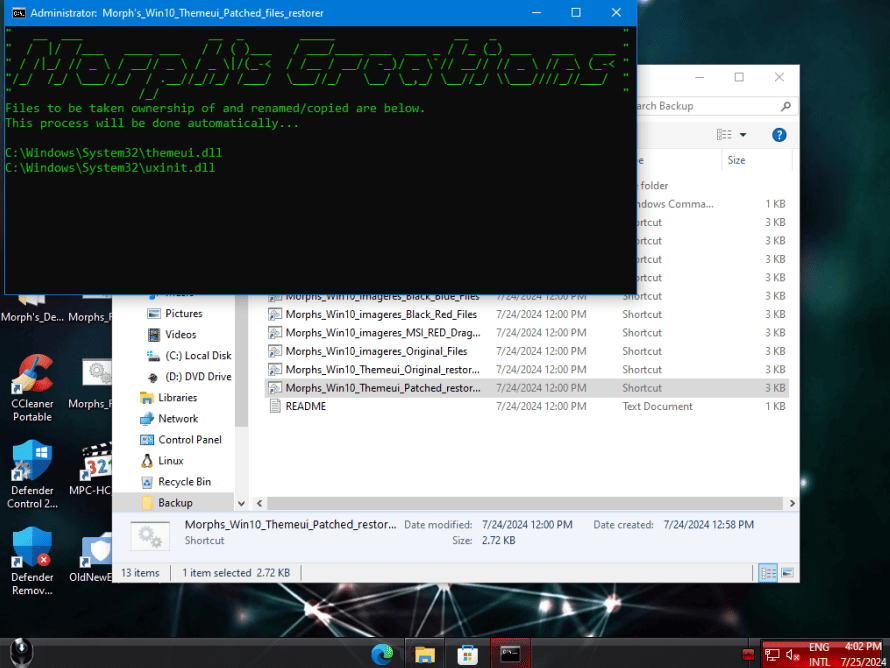
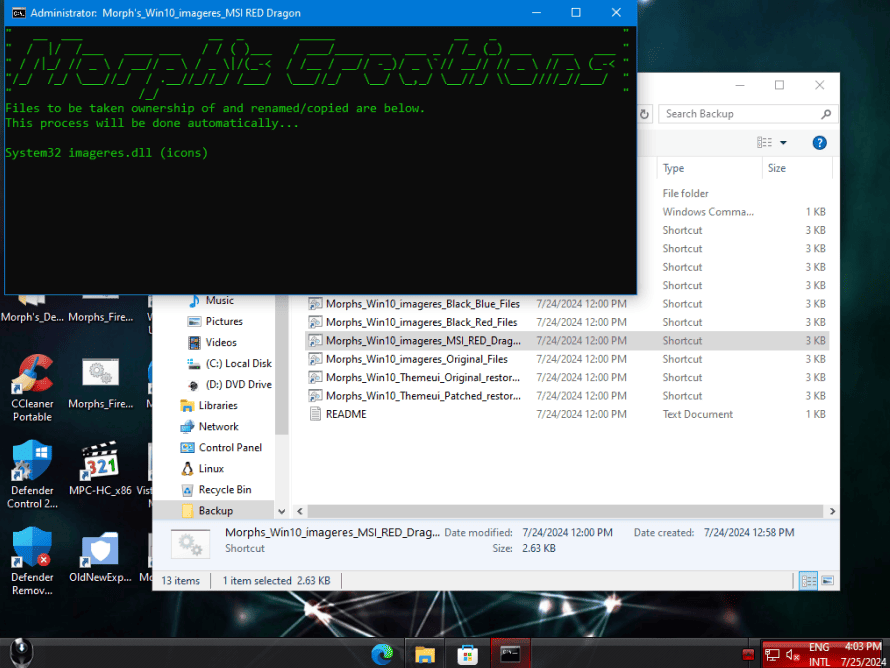
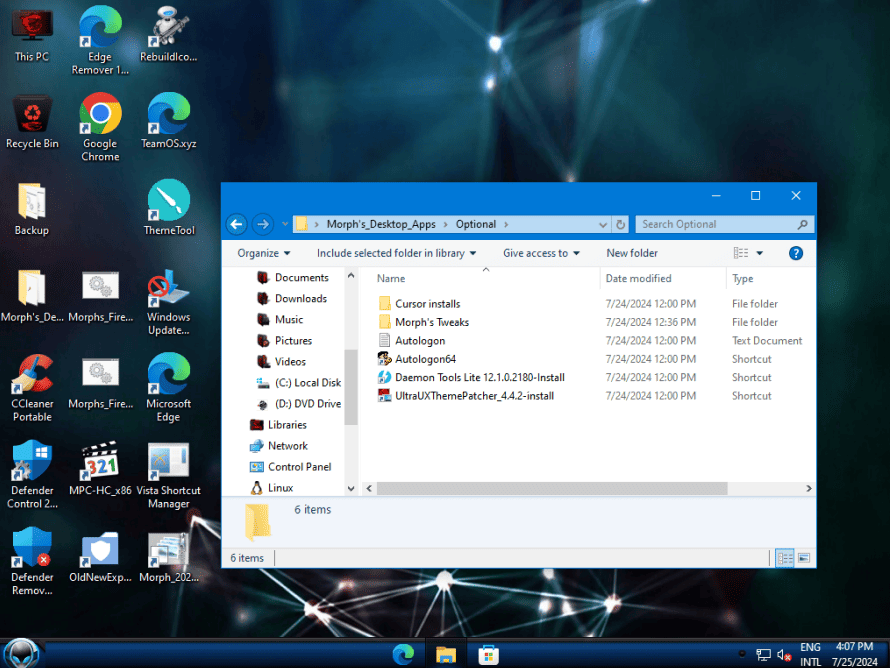
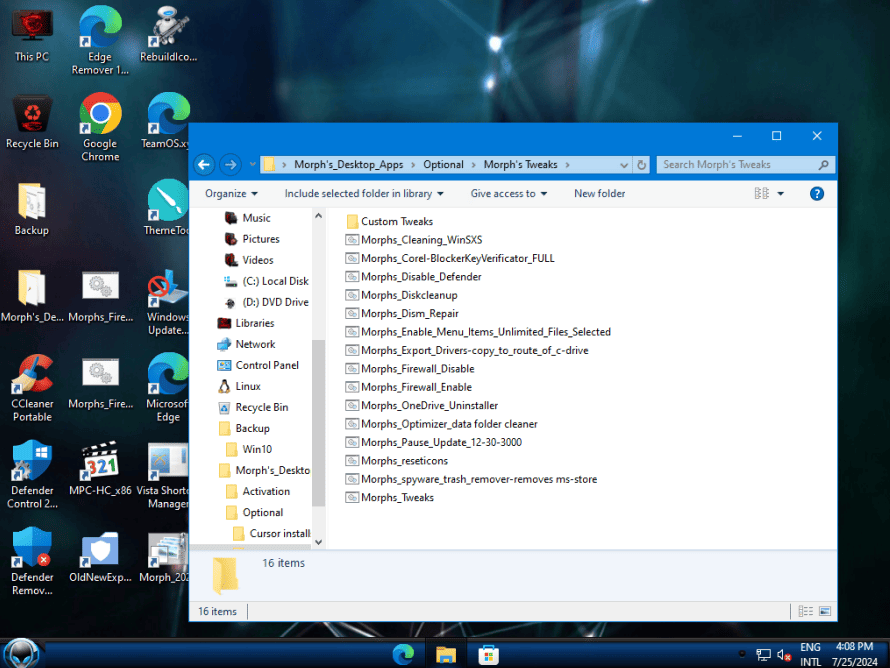
- Có một thư mục sao lưu trên màn hình desktop, bao gồm các tệp đã được mod và chưa mod cho basebrd và theme .dll’s / Icon dll’s. Chỉ cần chạy phiên bản .cmd tương ứng mà bạn muốn khôi phục hoặc sửa đổi lại, đặc biệt là sau khi bản cập nhật đã đặt lại các tệp dll.
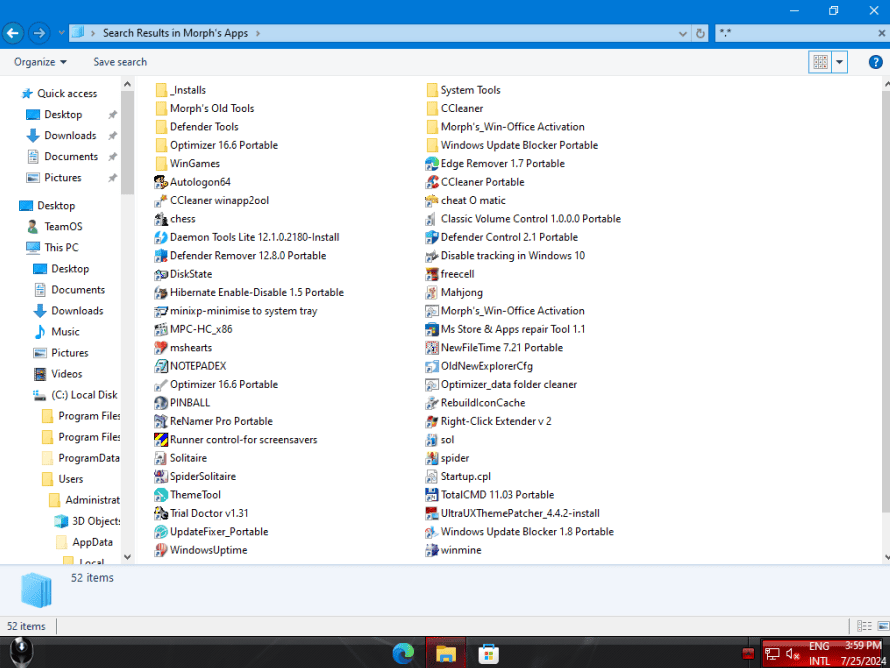
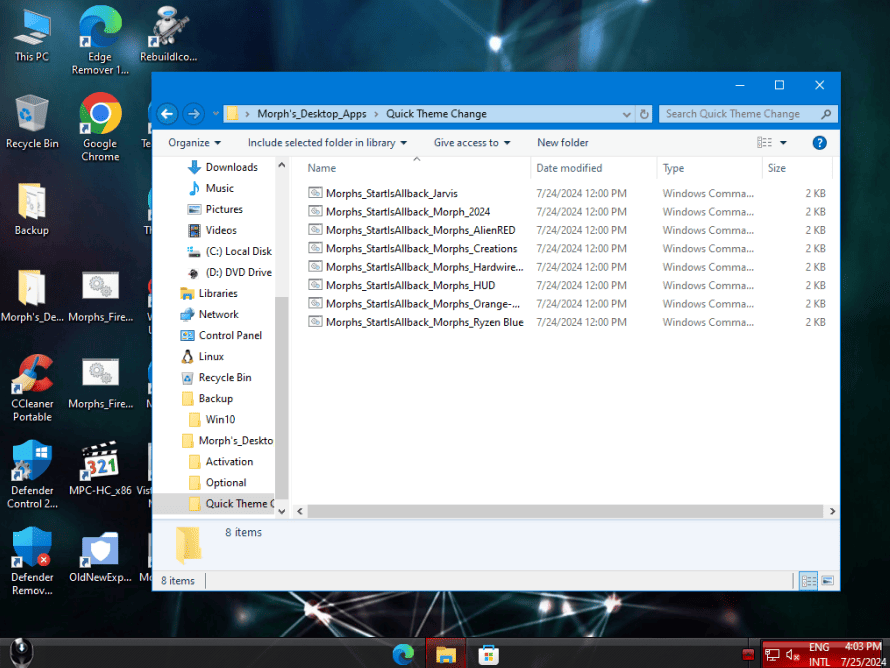
- Bạn cũng có thể chạy UltraUXThemePatcher cho các tệp dll chủ đề, nếu bạn muốn. Công cụ này có sẵn trong ‘Start Menu\Programs\Morph’s Apps’ hoặc ‘Desktop\Morph’s_Desktop_Apps\Optional’.
- Bạn sẽ cần kích hoạt riêng, có nhiều công cụ khác nhau có sẵn trong thư mục ‘Desktop\Morph’s_Desktop_Apps\Activation’.
- Tất cả các ứng dụng đã được cập nhật đến ngày 1 tháng 7 năm 2024.
Yêu cầu hệ thống của Windows 10 22H2
- Bộ xử lý: CPU hoặc Hệ thống trên Chip (SoC) có tốc độ 1 GHz hoặc nhanh hơn.
- RAM: 1 GB cho phiên bản 32-bit hoặc 2 GB cho phiên bản 64-bit.
- Dung lượng ổ cứng trống:
- Cài đặt mới hoặc trên máy tính mới: 32 GB.
- Cài đặt trên hệ thống đã có sẵn: 16 GB cho phiên bản 32-bit hoặc 20 GB cho phiên bản 64-bit.
- Đồ họa: DirectX 9 trở lên với trình điều khiển WDDM 1.0.
- Màn hình: Độ phân giải 800×600.
Lưu ý:
- Đây là yêu cầu tối thiểu, để có trải nghiệm tốt nhất, đặc biệt là khi sử dụng các ứng dụng và trò chơi đòi hỏi cấu hình cao, bạn nên có cấu hình máy tính mạnh hơn yêu cầu tối thiểu này.
- Nếu bạn đang nâng cấp từ phiên bản Windows 10 cũ hơn, bạn có thể cần thêm dung lượng ổ cứng để lưu trữ các tệp tạm thời trong quá trình nâng cấp.
Ngoài ra, một số tính năng của Windows 10 22H2 có thể yêu cầu cấu hình cao hơn, chẳng hạn như:
- Windows Hello: Yêu cầu camera hồng ngoại hoặc cảm biến vân tay tương thích.
- Cortana: Yêu cầu microphone và loa.
- Một số trò chơi và ứng dụng: Có thể yêu cầu card đồ họa chuyên dụng và RAM nhiều hơn.
Các phần mềm được cài đặt sẵn
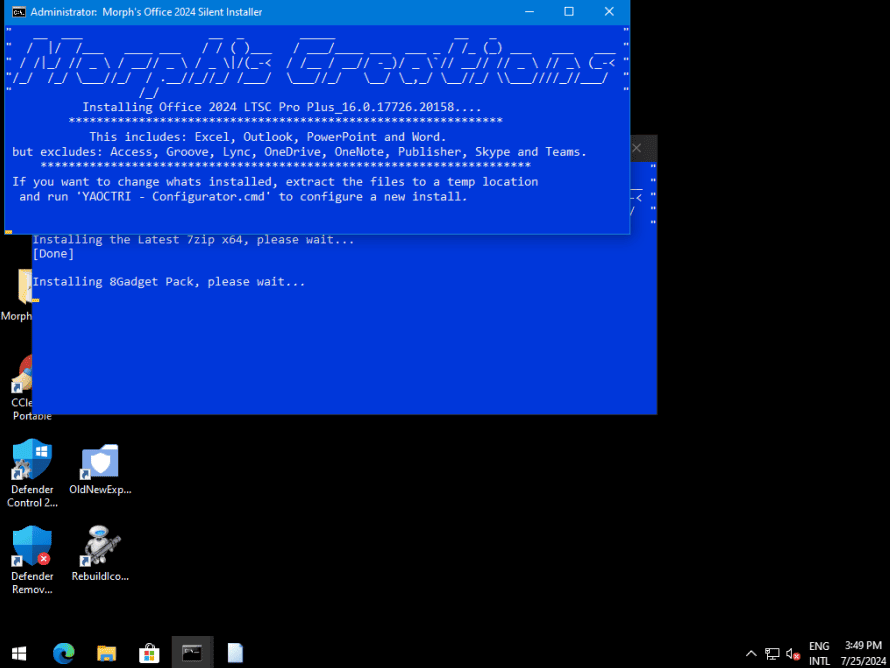
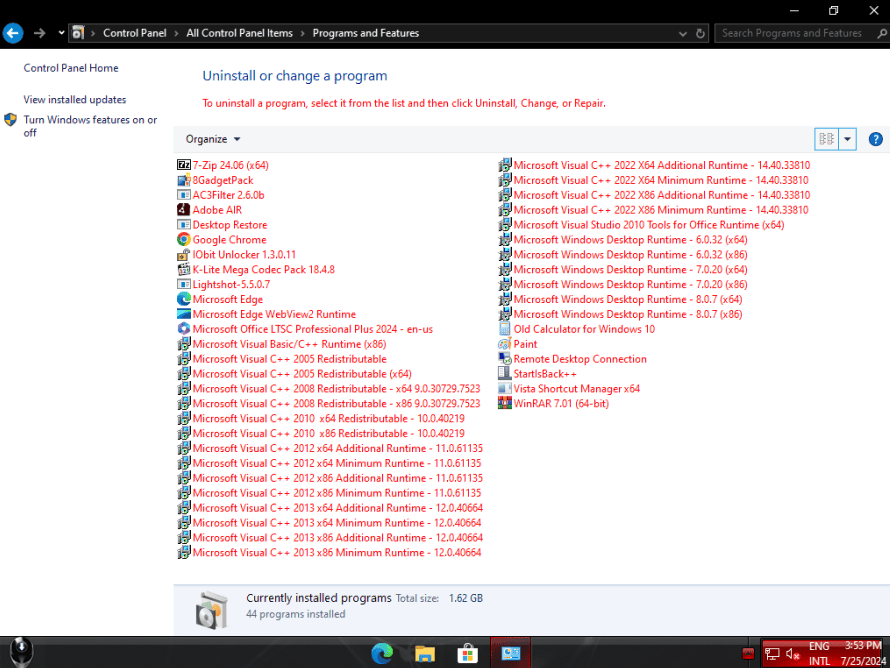
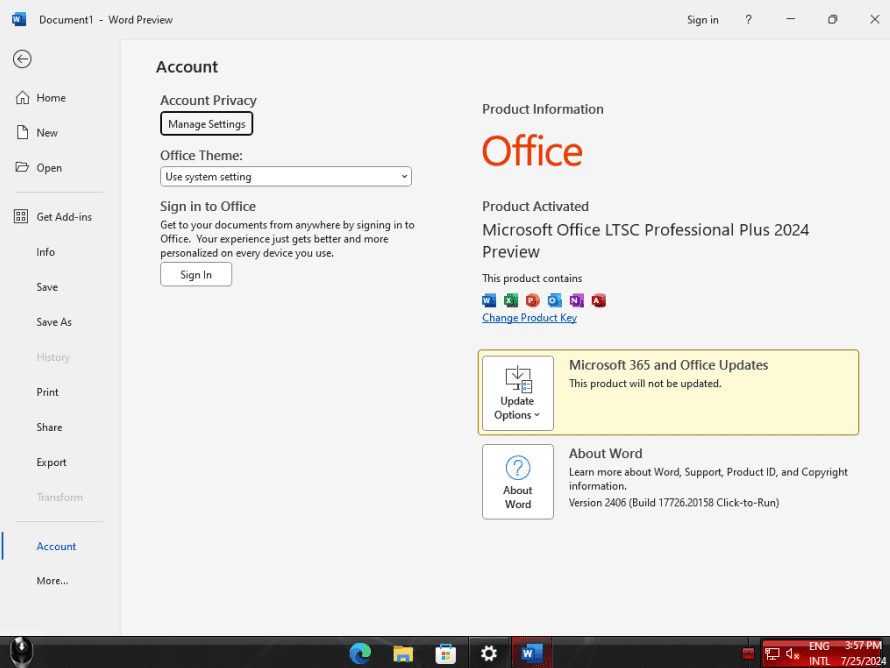
- Office 2024 LTSC (Preview) v16.0.17726.20158
- 7-Zip: Phần mềm nén và giải nén file phổ biến, hỗ trợ nhiều định dạng.
- AC3Filter: Bộ lọc âm thanh cho phép tùy chỉnh và cải thiện chất lượng âm thanh.
- Adobe AIR: Nền tảng runtime cần thiết để chạy một số ứng dụng web và desktop.
- CCleaner: Công cụ dọn dẹp hệ thống, giúp loại bỏ các tệp tạm, registry không cần thiết và tối ưu hóa hiệu suất máy tính.
- CCleaner_Config.exe: Có thể là tệp cấu hình cho CCleaner, cho phép tùy chỉnh các cài đặt của phần mềm.
- ChromeStandaloneSetup.exe: Trình cài đặt độc lập của trình duyệt Google Chrome.
- DAEMON Tools Lite: Phần mềm tạo ổ đĩa ảo, cho phép bạn mount các file ảnh đĩa như ISO, BIN, MDF, v.v.
- DirectX_Setup_silent.exe: Trình cài đặt DirectX (chạy nền), cung cấp các API cần thiết cho các ứng dụng đồ họa và trò chơi.
- GadgetPack_silent.exe & GadgetPack1_silent.exe: Có thể là các trình cài đặt cho Gadget Pack, một bộ sưu tập các tiện ích nhỏ cho màn hình desktop (widgets).
- IObit Unlocker: Công cụ giúp mở khóa và xóa các tệp tin bị khóa bởi các tiến trình khác.
- K-Lite Codec Pack Mega: Bộ giải mã codec toàn diện, hỗ trợ phát nhiều định dạng âm thanh và video khác nhau.
- Lightshot: Công cụ chụp màn hình nhanh và tiện lợi.
- MicrosoftEdgeWebView2RuntimeInstallerX64.exe: Nền tảng runtime cần thiết cho các ứng dụng sử dụng Microsoft Edge WebView2.
- MPC-HC_silent.exe: Trình phát media đa phương tiện MPC-HC (cài đặt tự động).
- NDP481-x86-x64-AllOS-ENU.exe: Trình cài đặt .NET Framework 4.8.1, một nền tảng phát triển phần mềm của Microsoft.
- OldCalcWin10.exe: Ứng dụng Máy tính cổ điển cho Windows 10.
- OldNewExplorer_silent.exe: Công cụ tùy chỉnh giao diện Windows Explorer (cài đặt tự động).
- Office2024_16.0.17726.20158.exe: Trình cài đặt bộ ứng dụng văn phòng Microsoft Office 2024.
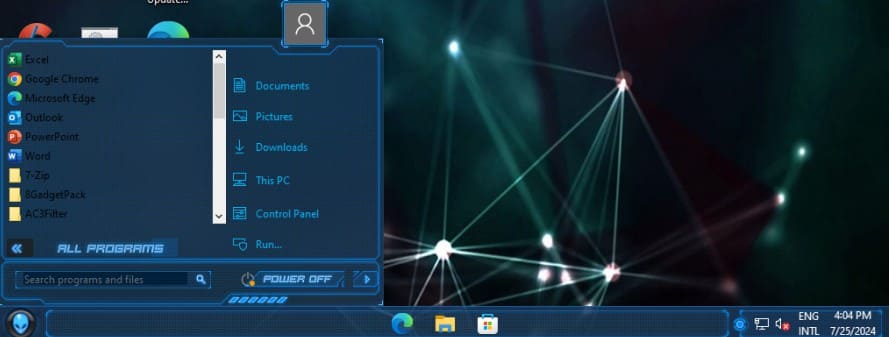
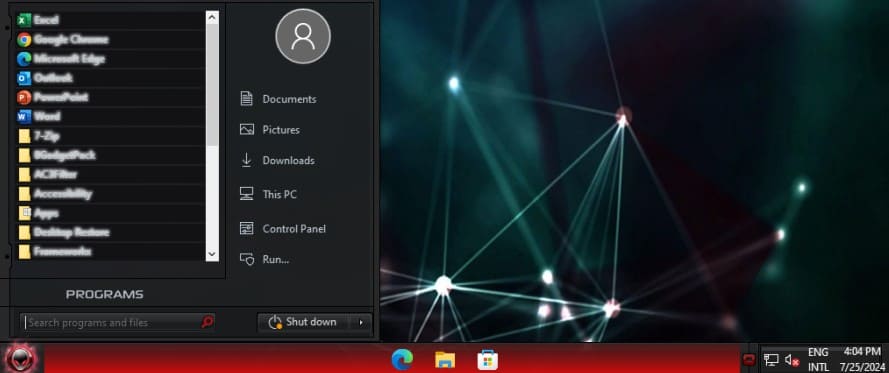
- StartBack++: Phần mềm tùy chỉnh menu Start của Windows, mang lại giao diện cổ điển hơn.
- TotalCMD.exe: Trình quản lý tệp mạnh mẽ với giao diện hai cửa sổ.
- Totalcmd_config.exe: Có thể là tệp cấu hình cho Total Commander.
- UltraUXThemePatcher.exe: Công cụ cho phép sử dụng các chủ đề tùy chỉnh của bên thứ ba trên Windows.
- VisualCppRedist_AIO_x86_x64.exe: Bộ cài đặt tất cả trong một (AIO) cho các gói Visual C++ Redistributable, cần thiết cho nhiều ứng dụng Windows.
- Windows Desktop Runtime: Các phiên bản khác nhau của Windows Desktop Runtime, cung cấp các thành phần cần thiết cho một số ứng dụng Windows.
- WinRAR & WinRAR Themes: Phần mềm nén và giải nén file phổ biến, với khả năng tùy chỉnh giao diện bằng các chủ đề.
- 8GadgetPackSetup.msi: Trình cài đặt cho 8GadgetPack, cung cấp các tiện ích nhỏ cho màn hình desktop (widgets).
- Desktop_Restore.msi: Có thể là công cụ khôi phục cài đặt mặc định cho màn hình desktop.
- Shortcut_Manager.msi: Có thể là công cụ quản lý các phím tắt trên hệ thống.
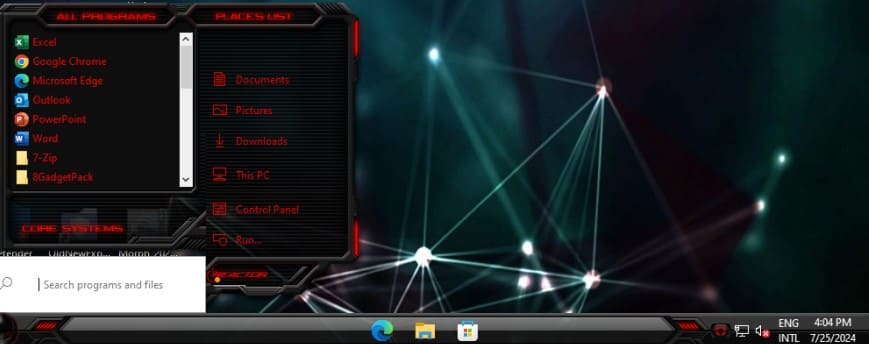
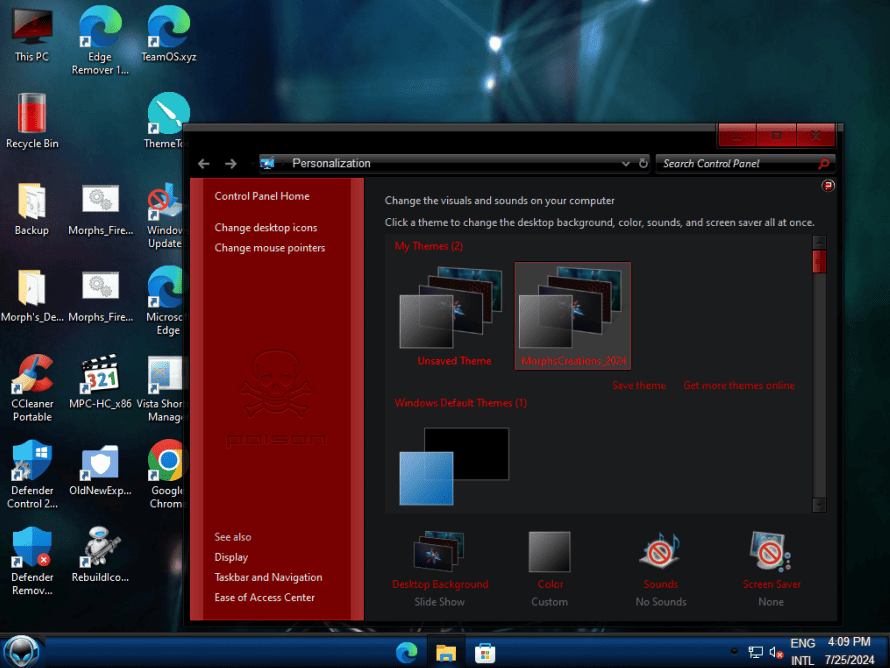
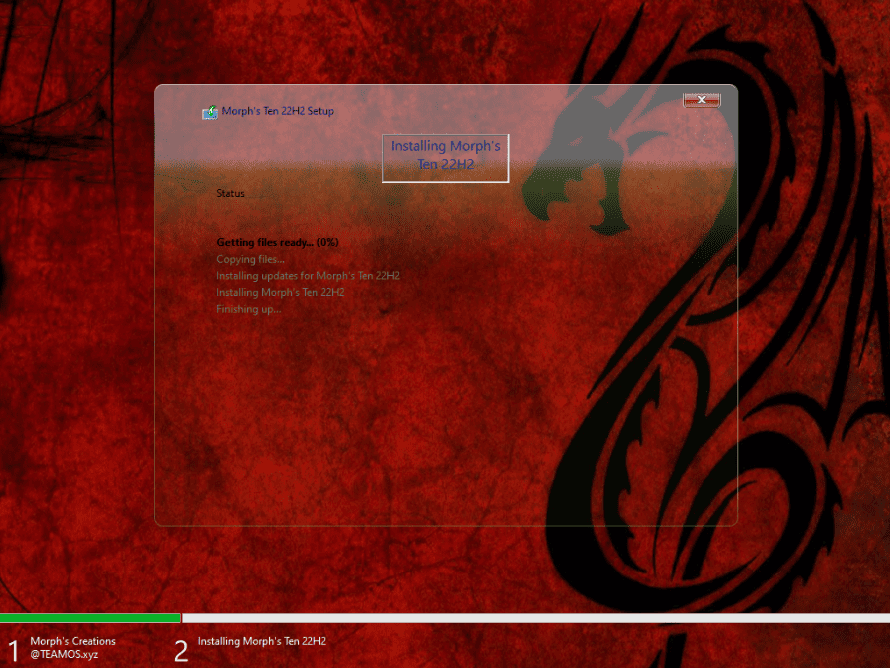
Morph_RedDragon.deskthemepack
OldNewExplorerCfg.lnk
Các game cũ:
- chess
- freecell
- Mahjong
- mshearts
- PINBALL
- sol
- Solitaire
- spider
- SpiderSolitaire
- winmine
Chủ đề con trỏ chuột
Chỉ cần cài đặt tại đường dẫn: Desktop\Morph’s_Desktop_Apps\Optional\Cursor
Và chọn nó từ chủ đề con trỏ tại Tùy chọn chuột (Mouse Options)
Addicted, ALIEN_DARK, ALIEN_RETURN_RED, ALIENWARE, Apocalypse, Aquaman, battlefield-3, Blaze, blue_alien, BlueThunder, Bouquet_Dark, Bouquet_Light, BouquetDark, BouquetLight, Breeze, Breeze_Snow, Breeze_Snow_x2, Breeze_x2, Broken10, cakeOS Dark, cakeOS Light, cakeOSDark, cakeOSLight, Catppuccin-Latte-Blue-Cursors, Catppuccin-Latte-Dark-Cursors, Catppuccin-Latte-Flamingo-Cursors, Catppuccin-Latte-Green-Cursors, Catppuccin-Latte-Lavender-Cursors, Catppuccin-Latte-Light-Cursors, Catppuccin-Latte-Maroon-Cursors, Catppuccin-Latte-Mauve-Cursors, Catppuccin-Latte-Peach-Cursors, Catppuccin-Latte-Pink-Cursors, Catppuccin-Latte-Red-Cursors, Catppuccin-Latte-Rosewater-Cursors, Catppuccin-Latte-Sapphire-Cursors, Catppuccin-Latte-Sky-Cursors, Catppuccin-Latte-Teal-Cursors, Catppuccin-Latte-Yellow-Cursors, Catppuccin-Mocha-Blue-Cursors, Catppuccin-Mocha-Dark-Cursors, Catppuccin-Mocha-Flamingo-Cursors, Catppuccin-Mocha-Green-Cursors, Catppuccin-Mocha-Lavender-Cursors, Catppuccin-Mocha-Light-Cursors, Catppuccin-Mocha-Maroon-Cursors, Catppuccin-Mocha-Mauve-Cursors, Catppuccin-Mocha-Peach-Cursors, Catppuccin-Mocha-Pink-Cursors, Catppuccin-Mocha-Red-Cursors, Catppuccin-Mocha-Rosewater-Cursors, Catppuccin-Mocha-Sapphire-Cursors, Catppuccin-Mocha-Sky-Cursors, Catppuccin-Mocha-Teal-Cursors, Catppuccin-Mocha-Yellow-Cursors, coal, CobaltBlades, Cyberpunk, Darkcur, DarklingEvolved, DiabloIII, dreamlandGREEN, Droid, ElviraCrushedVelvet, Evolution, EZMachine, FireDragon, Glass_Maxx, Gradient_Red, GradientBlue, Hardwired, HardwiredRyzenBlue, HUDMachineRed, Innie, KinetikAquaX, LAUNCH, Magnum, MB_Metal, MBMetalReligion, MoltaBellaBlue, MoltaBellaCyan, MoltaBellaDay, MoltaBellaMagenta, MoltaBellaMint, MoltaBellaNeonBlue, MoltaBellaNeonGreen, MoltaBellaNeonYellow, MoltaBellaNight, MoltaBellaOrange, MoltaBellaPurple, MoltaBellaRed, MSOneGreen, NoisyBoy, Nucleus, oreo black, oreo_blue, oreo_dark, oreo_green, oreo_light, oreo_light_pink, oreo_lime, oreo_orange, oreo_pink, oreo_purple, oreo_red, oreo_violet, oreo_white, Oxygen, pointblack, Poison, Prowler, Pulse, Re_Digitized, RedBlackShardNon-Tail, RedBlackShardTailed, Revenge_Red, RoadWarrior, Rockstar, SHARP_Green, SHARP_Red, Slick_tech, SolarExplorer, SpecialEditionSE, STARCRUISER, STEALTH, tronnix, UISTA, VectorglossBlack, VectorglossBlue, VectorglossDarkBlue, VectorglossGreen, VectorglossGrey, VectorglossOrange, VectorglossPink, VectorglossPurple, VectorglossRed, VectorglossTorquoise, VectorglossWhite, VectorglossYellow, Vengeance, x-black-2-blue, Xenon_premiumblue, Xenon_premiumcoral, Xenon_premiumgreen, Xenon_premiumorange, Xenon_premiumpink, Xenon_premiumpurple, Xenon_premiumred, Xenon_premiumwhite, Xenon_premiumyellow
Các thành phần được lược bỏ
aarsvc ‘Agent Activation Runtime’, accessibility ‘Accessibility tools (Ease of Access)’, accessibility_cursors ‘Mouse Pointers (Accessibility tools)’, accessibility_magnifier ‘Screen Magnifier’, accessibility_narrator ‘Narrator’, actioncenter ‘Action Center’, activedirectory ‘Active Directory’, adamclient ‘Active Directory Lightweight Directory Services (AD LDS)’, alljoyn ‘AllJoyn Router Service’, asimov ‘Telemetry Client’, assembly.net ‘.NET assembly cache’, assignedaccess ‘Assigned Access’, audit ‘Windows Audit’, autoplay, azuread ‘Azure Active Directory’, backup ‘Backup and Restore’, bingsearch ‘Bing Search (InboxApp)’, biometric ‘Biometric – Support’, biometricservice ‘Biometric – Service’, ceip ‘CEIP (SQM)’, cellulartime ‘Cellular Time’, clipboardusersvc ‘Clipboard User Service’, clouddownload ‘Windows Recovery (WinRE) – Cloud download’, cloudid ‘Microsoft Cloud Identity Service’, cloudnotifications ‘Cloud Notifications’, containers ‘Containers (Application Guard)’, copilotpwa ‘Windows Copilot (InboxApp)’, deviceguard ‘Device Guard’, directml ‘Direct Machine Learning (DirectML)’, diskdiagnosis ‘Disk failure diagnostics’, driver_c_barcodescanner.inf, driver_c_cashdrawer.inf, driver_c_fdc.inf, driver_c_floppydisk.inf, driver_c_linedisplay.inf, driver_c_magneticstripereader.inf, driver_c_receiptprinter.inf, driver_c_smrdisk.inf, driver_c_smrvolume.inf, driver_c_tapedrive.inf, driver_ehstorpwddrv.inf, driver_ehstortcgdrv.inf, driver_fdc.inf, driver_flpydisk.inf, driver_hidscanner.inf, driver_idtsec.inf, driver_mgtdyn.inf, driver_netmyk64.inf, driver_oposdrv.inf, driver_perceptionsimulationheadset.inf, driver_rawsilo.inf, driver_remoteposdrv.inf, driver_smrdisk.inf, driver_smrvolume.inf, driver_spaceport.inf, driver_tape.inf, driver_tpm.inf, driver_wdmvsc.inf, driver_wfcvsc.inf, driver_wgencounter.inf, driver_whvcrash.inf, driver_whyperkbd.inf, driver_wnetvsc.inf, driver_ws3cap.inf, driver_wstorflt.inf, driver_wstorvsc.inf, driver_wstorvsp.inf, driver_wvid.inf, driver_wvmbus.inf, driver_wvmbushid.inf, driver_wvmbusr.inf, driver_wvmbusvideo.inf, driver_wvmgid.inf, driver_wvmic.inf, driver_wvmic_ext.inf, driver_wvpci.inf, driver_wvpcivsp.inf, dvdplay ‘DVD Play’, embeddedexperience ‘Device Lockdown (Embedded Experience)’, embeddedmode ‘Embedded Mode’, enhancedstorage ‘Enhanced Storage’, enterpriseclientsync ‘Work Folders Client’, enterprisedataprotection ‘Enterprise Data Protection (EDP/WIP)’, errorreporting ‘Windows Error Reporting’, facerecognition ‘Face Recognition’, firstlogonanim ‘First-logon animation’, font_holomd2 ‘Holo MDL2 Assets’, font_malgungothicbold ‘Malgun Gothic Bold’, font_microsoftjhengheibold ‘Microsoft JhengHei Bold & Microsoft JhengHei UI Bold’, font_microsoftjhengheilight ‘Microsoft JhengHei Light & Microsoft JhengHei UI Light’, font_microsoftyaheibold ‘Microsoft YaHei Bold & Microsoft YaHei UI Bold’, font_microsoftyaheilight ‘Microsoft YaHei Light & Microsoft YaHei UI Light’, font_mingliub ‘MingLiU-ExtB & PMingLiU-ExtB & MingLiU_HKSCS-ExtB’, font_simsun ‘SimSun & NSimSun’, font_simsunb ‘SimSun-ExtB’, font_yugothic ‘Yu Gothic Regular & Yu Gothic UI Semilight’, font_yugothicbold ‘Yu Gothic Bold & Yu Gothic UI Semibold & Yu Gothic UI Bold’, font_yugothiclight ‘Yu Gothic Light & Yu Gothic UI Light’, font_yugothicmedium ‘Yu Gothic Medium & Yu Gothic UI Regular’, graphicsperfsvc ‘Graphics performance monitor service’, guardedhost ‘Guarded Host’, hwsupport_fax ‘Fax’, hwsupport_floppy ‘Floppy disk’, hwsupport_tv ‘TV Tuner codecs and support’, hyperv ‘Hyper-V’, hypervguest ‘Hyper-V Integration Services’, iis ‘Internet Information Server (IIS)’, indeo ‘Intel Indeo Codecs’, insiderhub ‘Windows Insider Program’, isoburn ‘Windows Disc Image Burning Tool’, isolatedusermode ‘Virtualization-based security (VBS)’, langamharic ‘Amharic’, langarabic ‘Arabic’, langbulgarian ‘Bulgarian’, langchineses ‘Chinese Simplified’, langchineset ‘Chinese Traditional’, langcroatian ‘Croatian’, langczech ‘Czech’, langdanish ‘Danish’, langdutch ‘Dutch’, langenglishgb ‘English (GB)’, langestonian ‘Estonian’, langfinnish ‘Finnish’, langfrench ‘French’, langfrenchcanadian ‘French (Canadian)’, langgerman ‘German’, langgreek ‘Greek’, langhebrew ‘Hebrew’, langhungarian ‘Hungarian’, langime ‘Input Method Editor (IME)’, langimejp ‘Japanese (IME)’, langimeko ‘Korean (IME)’, langimetc ‘Chinese Traditional (IME)’, langitalian ‘Italian’, langjapanese ‘Japanese’, langkorean ‘Korean’, langlatvian ‘Latvian’, langlithuanian ‘Lithuanian’, langnorwegian ‘Norwegian’, langpolish ‘Polish’, langportuguesebr ‘Portuguese (Brazilian)’, langportuguesept ‘Portuguese’, langromanian ‘Romanian’, langrussian ‘Russian’, langserbian ‘Serbian’, langslovak ‘Slovak’, langslovenian ‘Slovenian’, langspanish ‘Spanish’, langswedish ‘Swedish’, langtamil ‘Tamil’, langthai ‘Thai’, langturkish ‘Turkish’, langukrainian ‘Ukrainian’, location ‘Location Service’, lpasvc ‘Local Profile Assistant Service’, mail ‘Windows Mail’, manifestbackup ‘Manifest Backup (WinSxS\Backup)’, mapcontrol ‘Map Control’, mediaplayernetworksharing32 ‘WMP Network Sharing Service – 32 bit’, messagingsvc ‘Messaging Service’, microsoft.549981c3f5f10 ‘Cortana’, microsoft.advertising.xaml ‘Microsoft Advertising SDK for XAML’, microsoft.asynctextservice ‘AsyncTextService’, microsoft.bingweather ‘MSN Weather’, microsoft.bioenrollment ‘Windows Hello Setup’, microsoft.ecapp ‘Eye Control’, microsoft.gethelp ‘Get Help’, microsoft.getstarted ‘Tips (Get Started)’, microsoft.microsoft3dviewer ‘3D Viewer’, microsoft.microsoftedgedevtoolsclient ‘Microsoft Edge DevTools Client’, microsoft.microsoftofficehub ‘Office’, microsoft.microsoftsolitairecollection ‘Microsoft Solitaire Collection’, microsoft.microsoftstickynotes ‘Microsoft Sticky Notes’, microsoft.mixedreality.portal ‘Mixed Reality Portal’, microsoft.office.onenote ‘OneNote’, microsoft.people ‘Microsoft People’, microsoft.screensketch ‘Snip & Sketch’, microsoft.skypeapp ‘Skype’, microsoft.windows.apprep.chxapp ‘SmartScreen’, microsoft.windows.assignedaccesslockapp ‘Assigned Access Lock app’, microsoft.windows.callingshellapp ‘Call’, microsoft.windows.contentdeliverymanager ‘Content Delivery Manager’, microsoft.windows.narratorquickstart ‘Narrator’, microsoft.windows.parentalcontrols ‘Microsoft family features’, microsoft.windows.photos ‘Microsoft Photos’, microsoft.windows.secureassessmentbrowser ‘Take a Test’, microsoft.windowsalarms ‘Windows Alarms & Clock’, microsoft.windowscommunicationsapps ‘Mail and Calendar’, microsoft.windowsfeedbackhub ‘Feedback Hub’, microsoft.windowsmaps ‘Windows Maps’, microsoft.windowssoundrecorder ‘Windows Voice Recorder’, microsoft.yourphone ‘Your Phone’, microsoft.zunemusic ‘Groove Music’, microsoft.zunevideo ‘Movies & TV’, mixedreality ‘Windows Mixed Reality’, mmga ‘MMGA MAPI’, mobilepc_location ‘Location notifications’, mpeg2splitter ‘MPEG-2 Splitter’, multipointconnector ‘MultiPoint Connector’, naturallanglegacy ‘Natural Language – Legacy’, ndu ‘Network Data Usage Monitoring Driver’, nowplaying ‘Now Playing Session Manager’, offlinefiles ‘Offline Files’, onedrive, osk_acc ‘On-Screen Keyboard (Accessibility tools)’, perfmon ‘Performance Monitor’, performancerecorder ‘Windows Performance Recorder’, perftools ‘Performance CMD Tools for Tracing’, pla ‘Performance Logs and Alerts’, pos ‘Point of Service (POS)’, pushnotificationssvc ‘Windows Push Notifications Service (System)’, quiethours ‘Quiet Hours (Focus Assist)’, reliabilityanalysis ‘Reliability Analysis Services’, remoteassistance ‘Remote Assistance’, remoteregistry ‘Remote Registry’, retaildemo ‘Retail Demo Content’, rotationmanager ‘Auto-Rotation Manager’, screensavers, search ‘Windows Search (Support)’, sharedpc ‘Shared PC mode’, simpletcp ‘Simple TCP/IP services’, skypeortc ‘Skype ORTC’, smsrouter ‘SMS Router Service’, snippingtool ‘Snipping Tool’, soundsdefault ‘Sounds (Default)’, soundthemes ‘Sound Themes’, spellchecking ‘Spell Checking’, srumon ‘Data Usage service’, storageqos ‘Storage Quality of Service (Storage QoS)’, storagespaces ‘Storage Spaces’, synccenter ‘Sync Center’, tabletpc ‘Tablet PC’, targetedcontent32 ‘Targeted Content Service – 32 bit’, telnetclient ‘Telnet Client’, tempcache ‘Cache and temp files’, textprediction ‘Text prediction’, tftpclient ‘TFTP client’, tieringengine ‘Storage Tiers Management’, timetraveldebugger ‘Time Travel Debugger (TTD)’, tpmmmc32 ‘Trusted Platform Module (TPM) (management console) – 32 bit’, userdeviceregistration ‘User Device Registration’, winai ‘Windows AI Machine Learning’, windows.cbspreview ‘Windows Barcode Preview’, windowstogo ‘Windows To Go’, winocr ‘Windows TIFF IFilter (OCR)’, winsat ‘Windows System Assessment Tool (WinSAT)’, wwanautoconfig ‘WWAN AutoConfig’
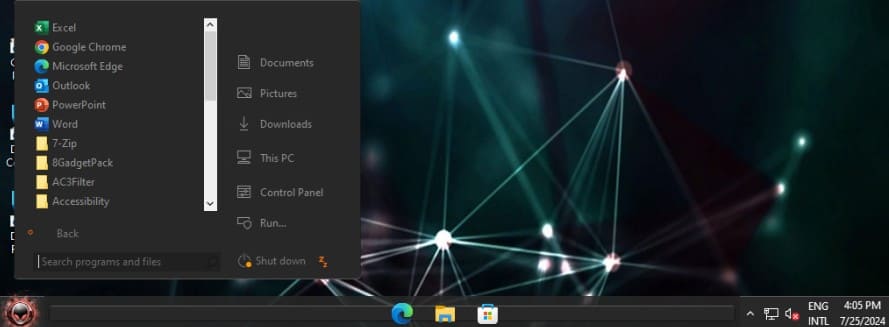
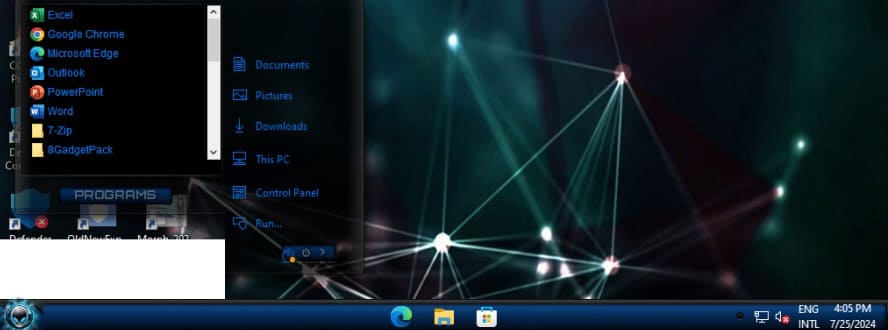
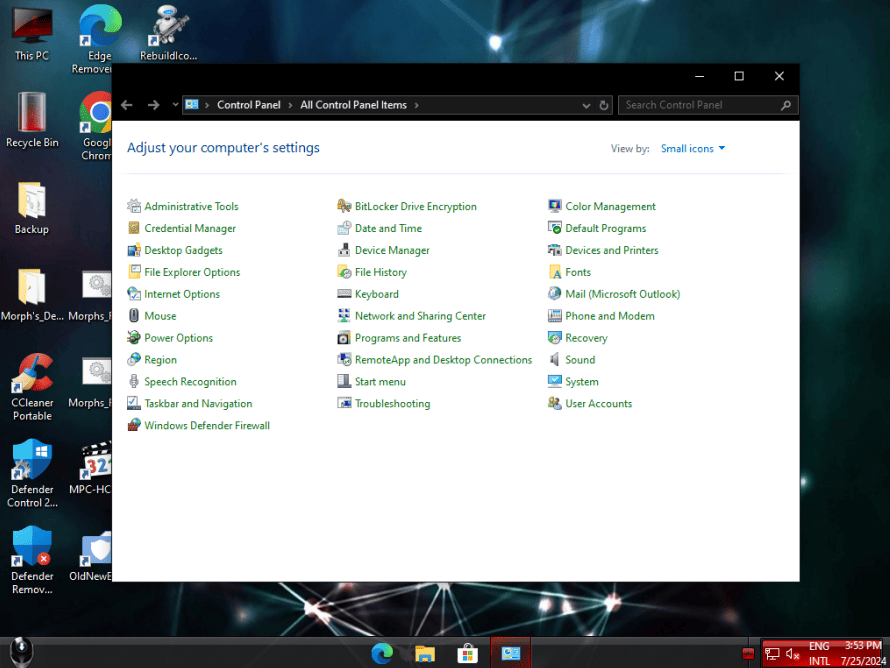
Ảnh chụp màn hình
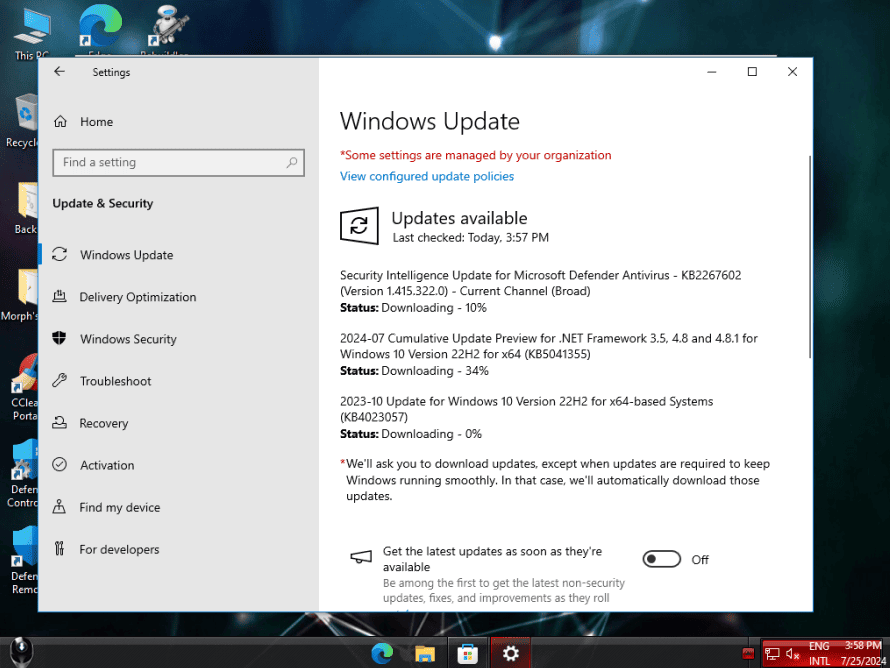

Download Windows 10 Lite 22H2 + Office 2024 LTSC July 2024 by Morph
Các bạn tham gia Group Telegram của bên mình để nhận thông báo mới nhất nhé: https://t.me/phanmemme
MD5 : 1D970D2E43CEA0CA59E7E8B3965F4978
SHA1 : 66FEC069EB76CBFA3346A9BE412BC8B811909E62
Hướng dẫn cài đặt:
Có thể sử dụng các cách sau để cài đặt:
- Cài trực tiếp trên Windows, không cần USB bằng WinToHDD.
Cách Cài Win 11/10/8/7/Windows Server Từ Ổ Cứng Bằng WinToHDD - Tạo USB Boot chứa file iso, sau đó boot từ usb và cài đặt.
Hướng Dẫn Tạo USB Cài Win 10, 11 Bằng Rufus Chuẩn UEFI Và Legacy
Tạo USB Boot chứa file iso cài Windows 10, 11 bằng Ventoy
Cách tạo USB Boot cài Win 11, 10, 8, 7 bằng Windows USB/DVD Download Tool - Tạo USB Multiboot, sau đó vào winpe cài đặt bằng WinNT Setup
Cách cài Win 11, 10, 8.1, 7 bằng WinNT Setup trong WinPE


